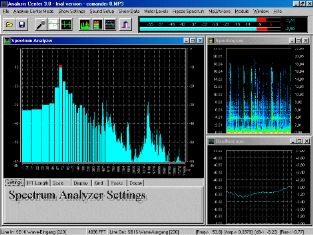
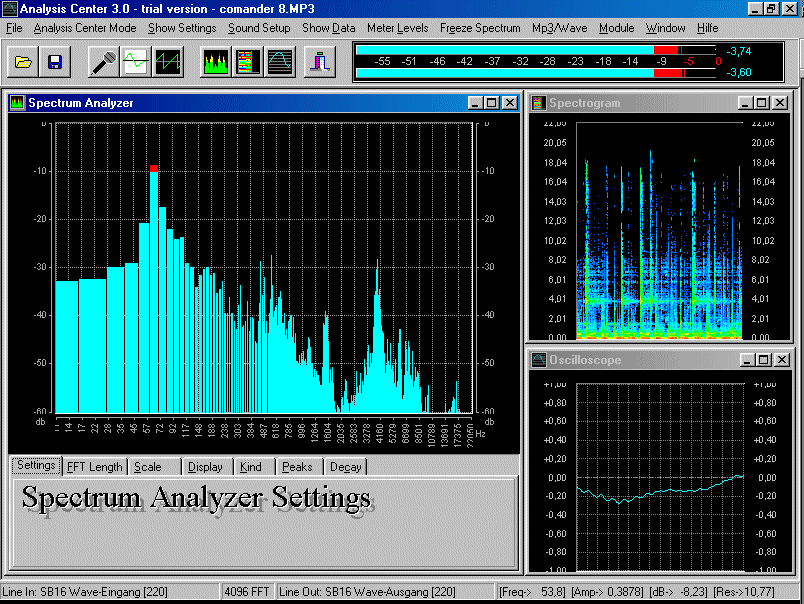
Here are some key features of "Analysis Center"
· Two Peak Level to control the Input with a Amplitude Scaler Scale calibrations: -99dB, -60dB, -40dB, -20dB, -15dB, -10dB
· Wave recording for the line in and the mic input
· Mp3 player to analyze Mp3 files (Mp2,atx)
· Two Peak Level Labels that give you control of the hightest amplitude
· Logarithmic amplitude scaler: -60dB,-30dB,-15dB,-12dB,-10dB,-6dB
)
· Peak hold option built in oscilloscope
· Generator leveling with two points behind the comma (i.e. the German decimal )
· Mp3/wave Tools like: convert mp3 to wav, convert wav to mp3, normalize wave files
· Frequency Base Factor by the Spectrogram
· Print function for a Spectrum you freeze with free eligibility labels
· Colors and info text arrangement
· You can choose your own labels for the measurement info you record
· The ability to load the Spectrum you freeze in the Spectrum window
· This is very useful if you like to compare measurements
· The print module allows you to print out your results
· The ability to load the Spectrum you freeze in the Spectrum window
· This is very useful if you like to compare measurements
· The print module allows you to print out your results
· Wave recording for the line in and the mic input
· Mp3 player to analyze Mp3 files (Mp2,atx)
· Scale calibrations: -99dB, -60dB, -40dB, -20dB, -15dB, -10dB
· Two Peak Level Labels that give you control of the hightest amplitude
· Print function for a Spectrum you freeze with free eligibility labels
· Colors and info text arrangement
· You can choose your own labels for the measurement info you record
· Mp3/wave Tools like: convert mp3 to wav, convert wav to mp3, normalize wave files
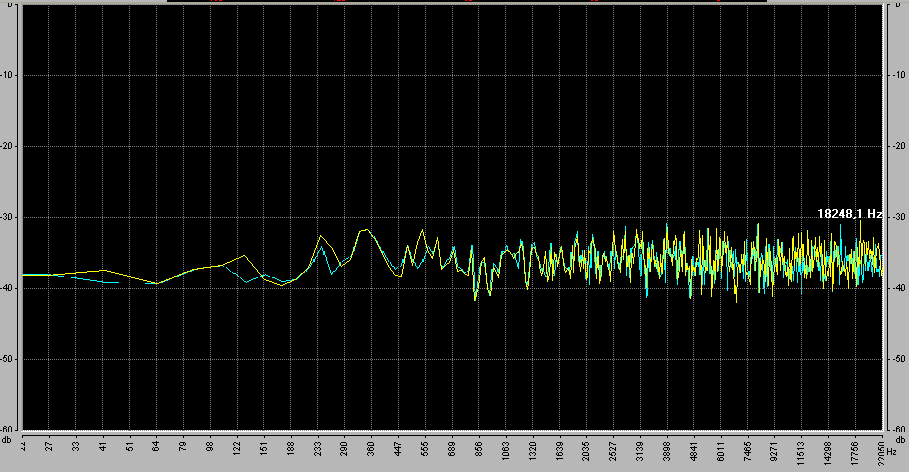
In the Background Module you have
The ability to load the Spectrum you freeze in the Spectrum window
This is very useful if you like to compare measurements
The print module allows you to print out your results
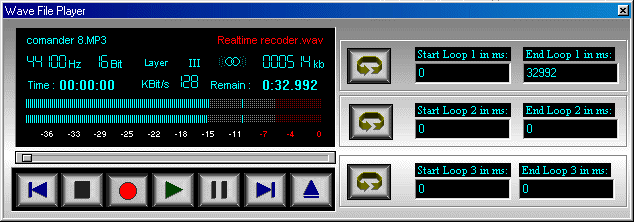
Wave / Mp3 Player
Wave recording for the line in and the mic input
Mp3 player to analyze Mp3 files (Mp2,atx)
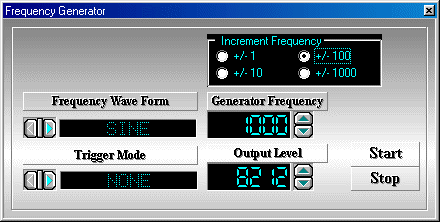
Frequency Generatzor
Generator leveling with two points behind the comma (i.e. the German decima

Level Meter
Scale calibrations: -99dB, -60dB, -40dB, -20dB, -15dB, -10dB
Two Peak Level Labels that give you control of the hightest amplitude
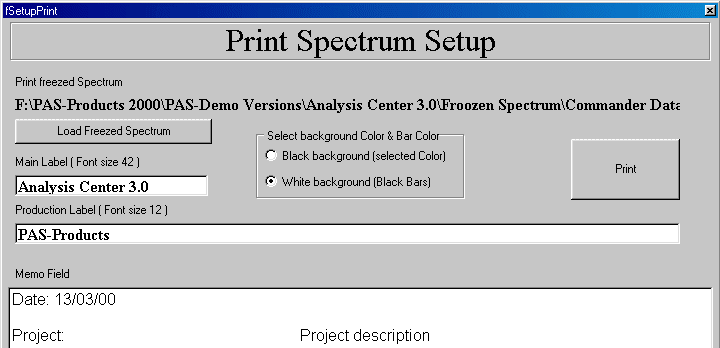
In the Printer Module you have
Print function for a Spectrum you freeze with free eligibility labels
You can choose your own labels for the measurement info you record
Colors and info text arrangement